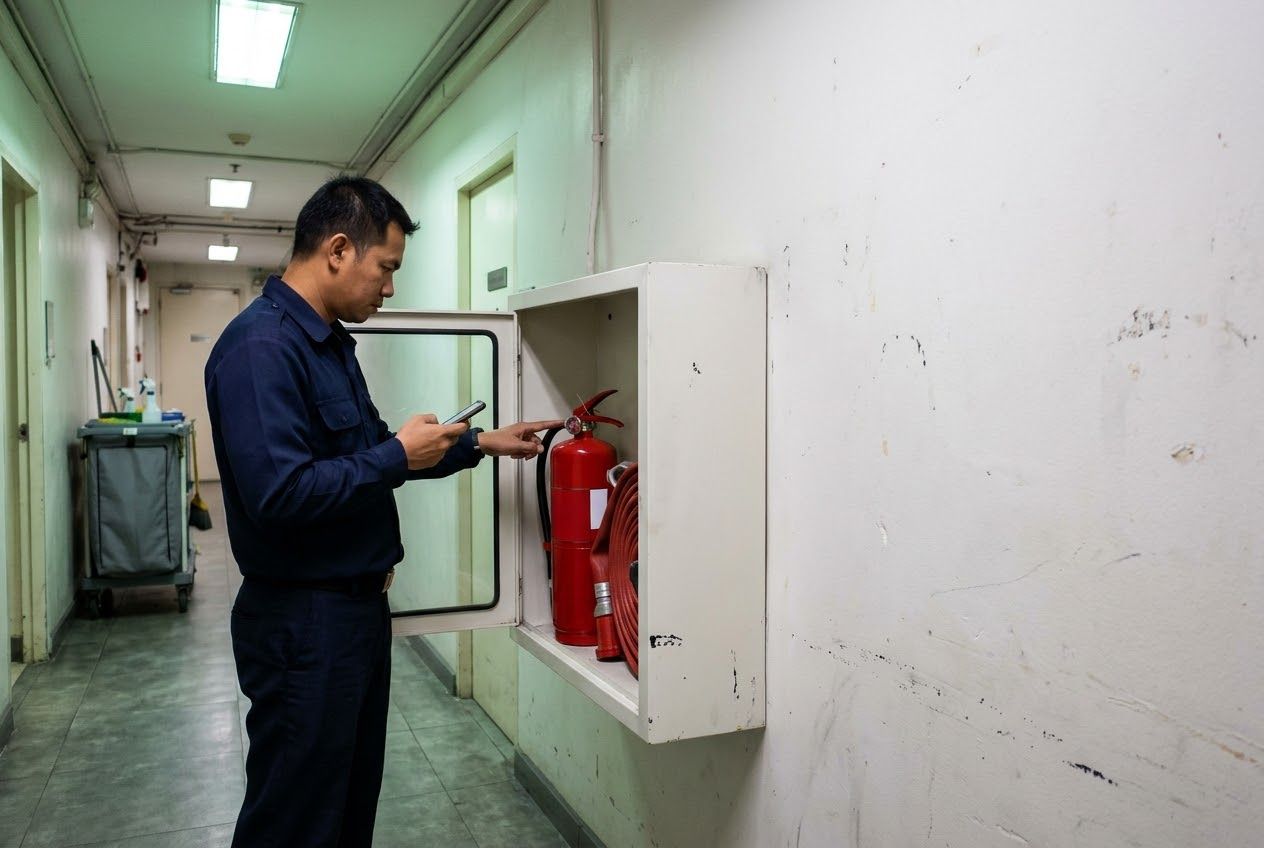
Check every point. Skip the typing afterwards.
Your team inspects on the phone, with photos and signatures. The PDF report is ready the moment they sign, and every problem is followed up until it is fixed.
No credit card. We help you set up your first checklists.
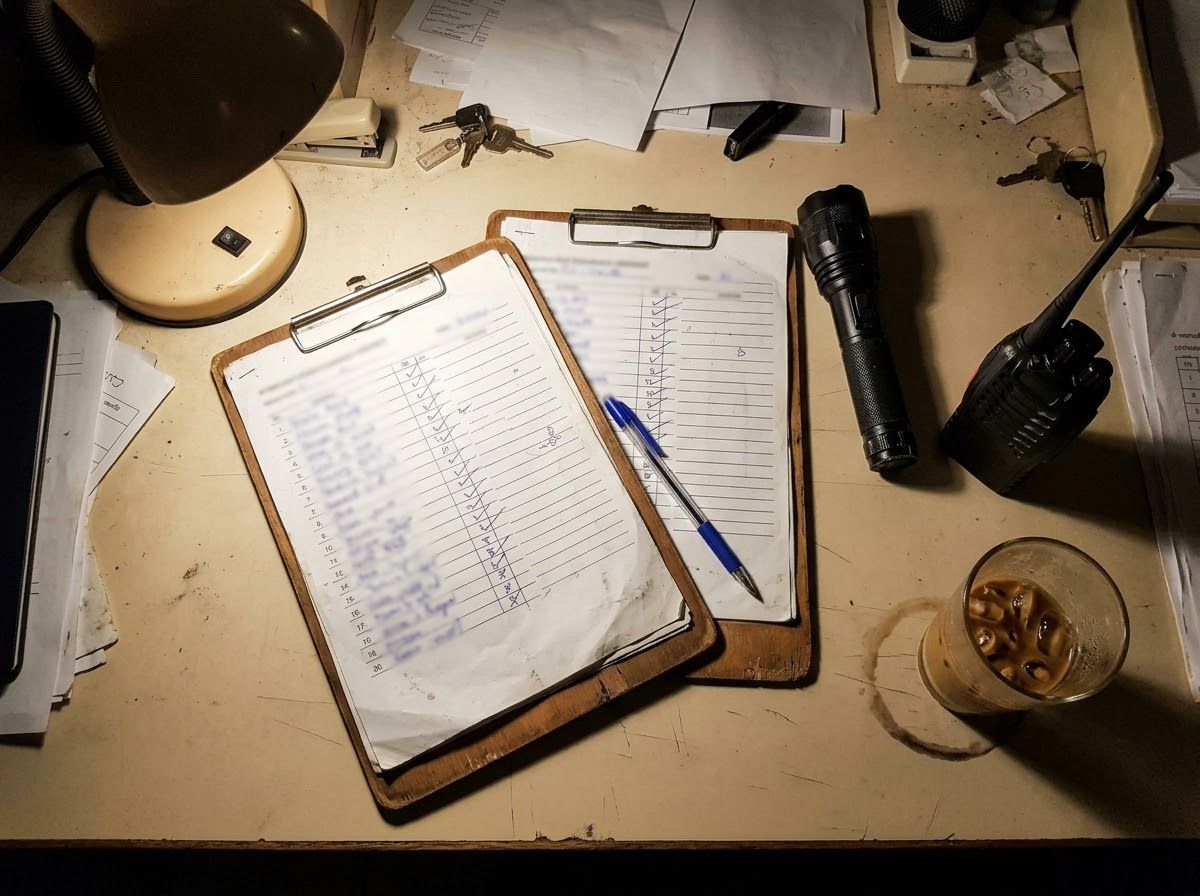
It started with a paper checklist
Teams walked their sites to check fire extinguishers, exit signs, fridges and machines, ticking boxes on paper. Later someone typed it all up for the manager, and nobody could be sure every point had really been checked.
Rondix was built from that job. The inspector records the result at the point itself, photographs the problem and signs on the phone. The report is finished when they sign, and each problem becomes a task with a name and a due date.
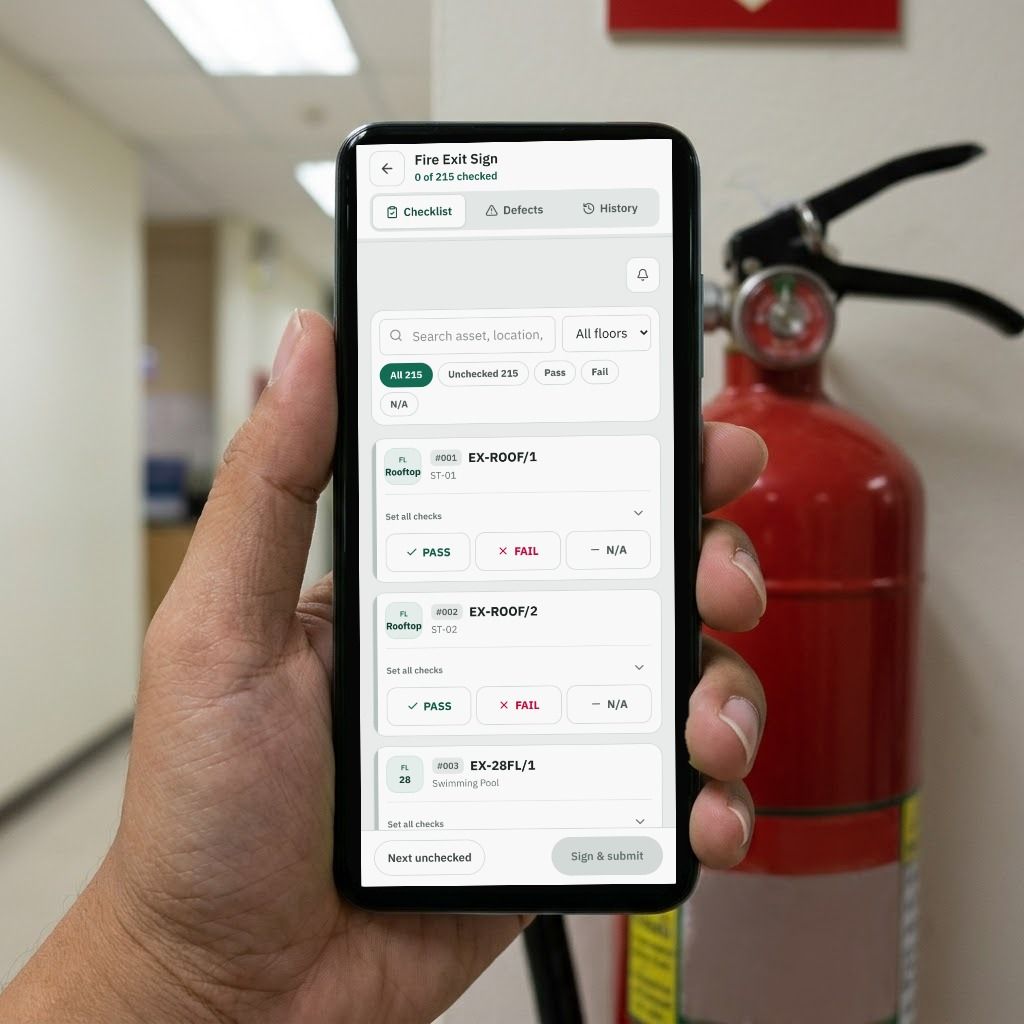
Inspect at the point, not at the desk
Turn on QR check-in and each point gets a label to scan before a result can be entered, so you know the round really happened.
- Pass, fail or N/A, or answer with a number, an expiry date, a choice or a rating
- Take a photo and circle the problem on it. Every photo is stamped with the site name and time
- No signal in the basement? Keep going. Answers and photos are sent when the signal is back
- Decide per check whether a photo is needed, how many, and whether it must come straight from the camera
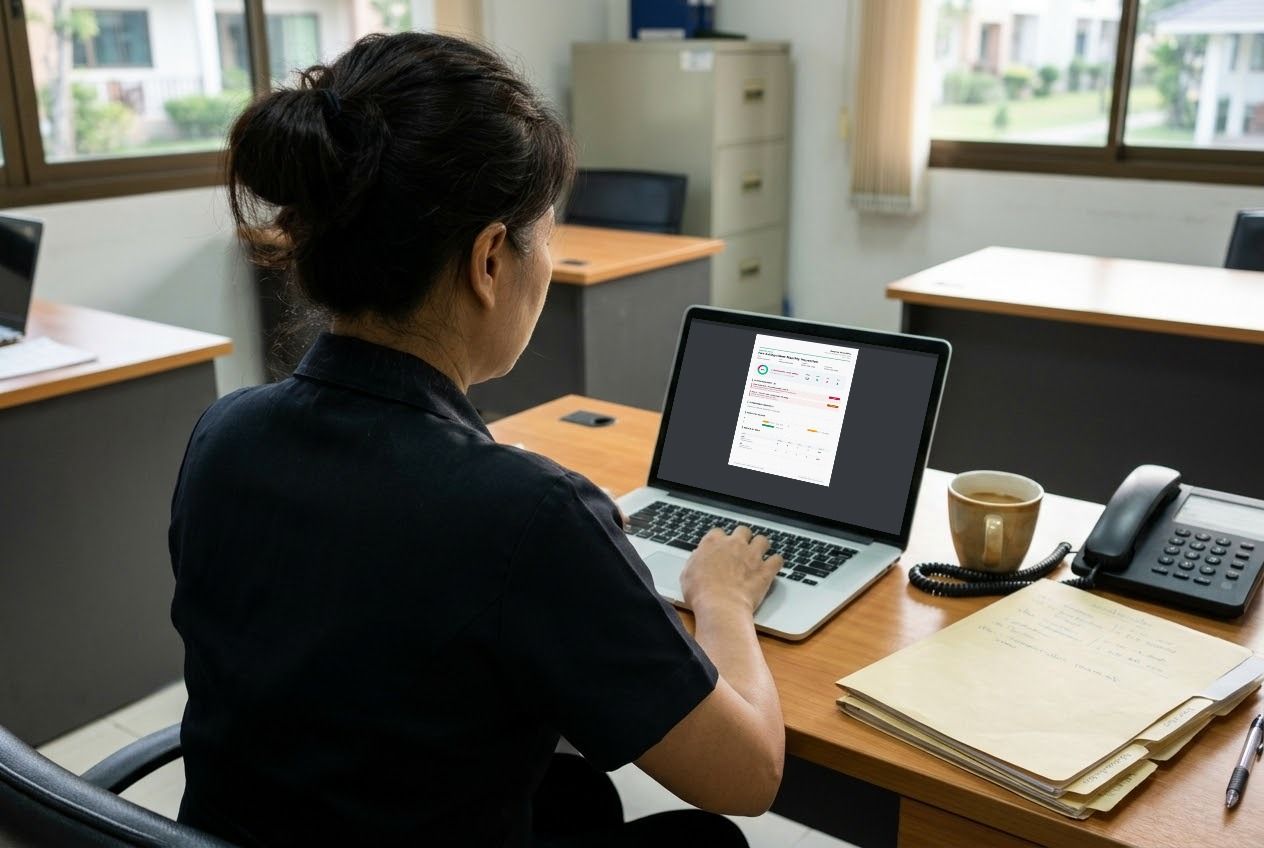
Next morning, it's already in the manager's inbox
The report is e-mailed to the people you choose as soon as the inspector signs. Overdue checklists show up in a morning summary.
The report your manager actually reads
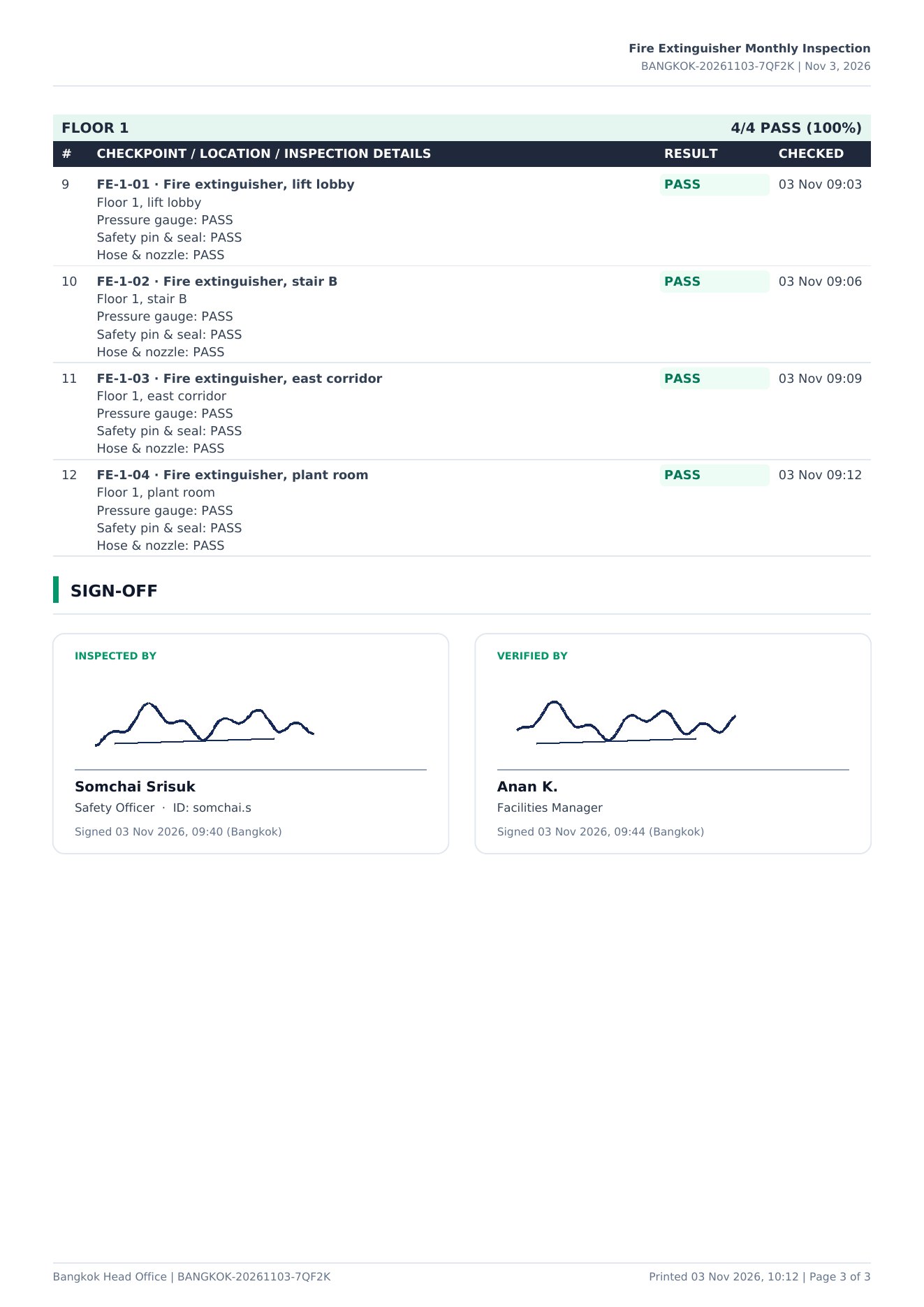
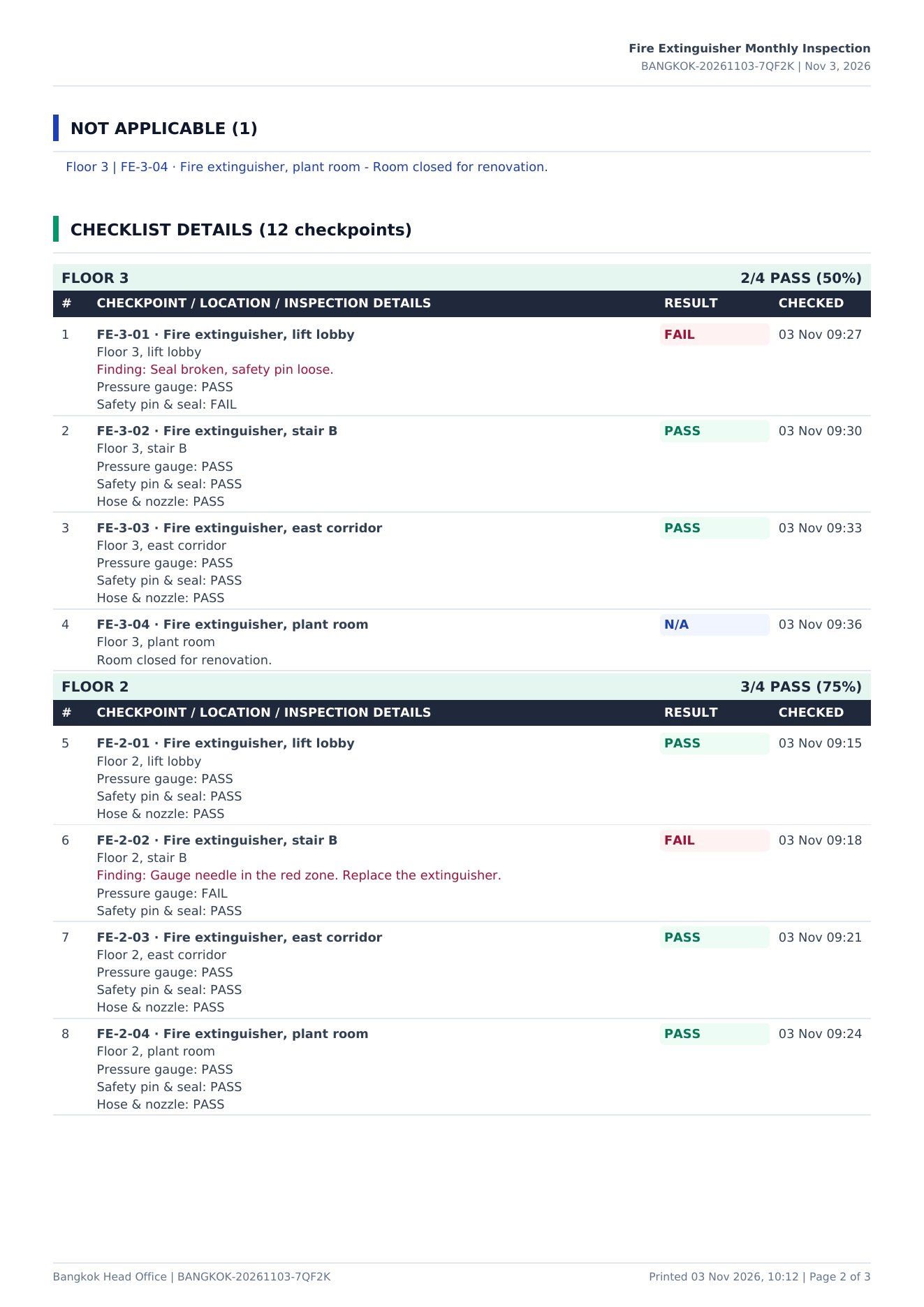
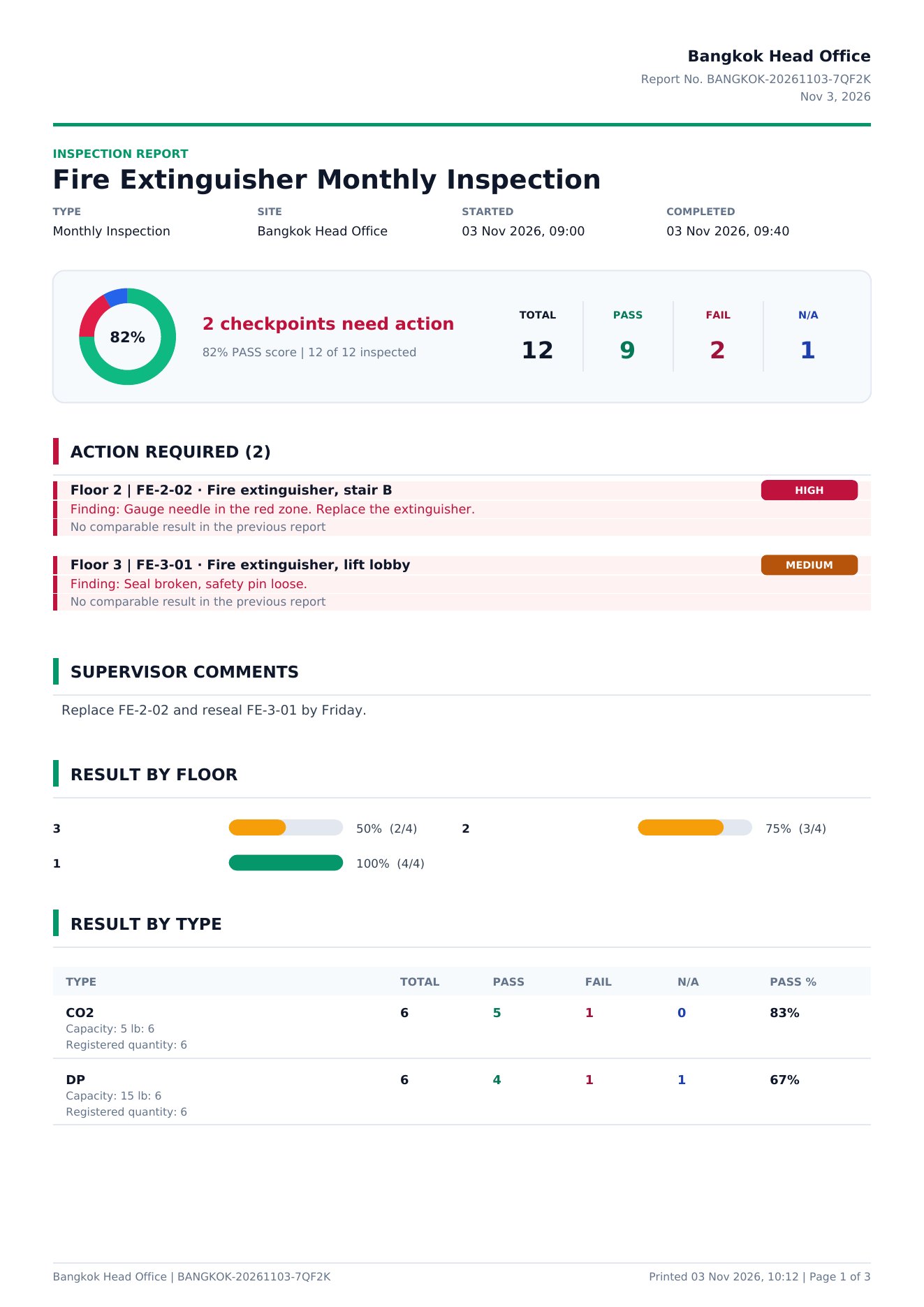
This is a real Rondix report with sample data. The numbers on the page match the notes below.
- Score at a glancePass, fail and N/A for every checkpoint, with the score for this round.
- What needs fixing firstEvery failed point with the finding and how serious it is, compared with the last report.
- The supervisor's instructionsWhat to fix and by when, written by the supervisor when they sign.
- Results by floor or areaSee where the problems are. The next pages list every point with the time it was checked, and both signatures.
For every team that inspects
Anywhere a team walks around with a checklist.


Also used for offices, shops, construction sites and hotels. Ready-made checklists are included to start from.
Already have checklists? Bring them in.
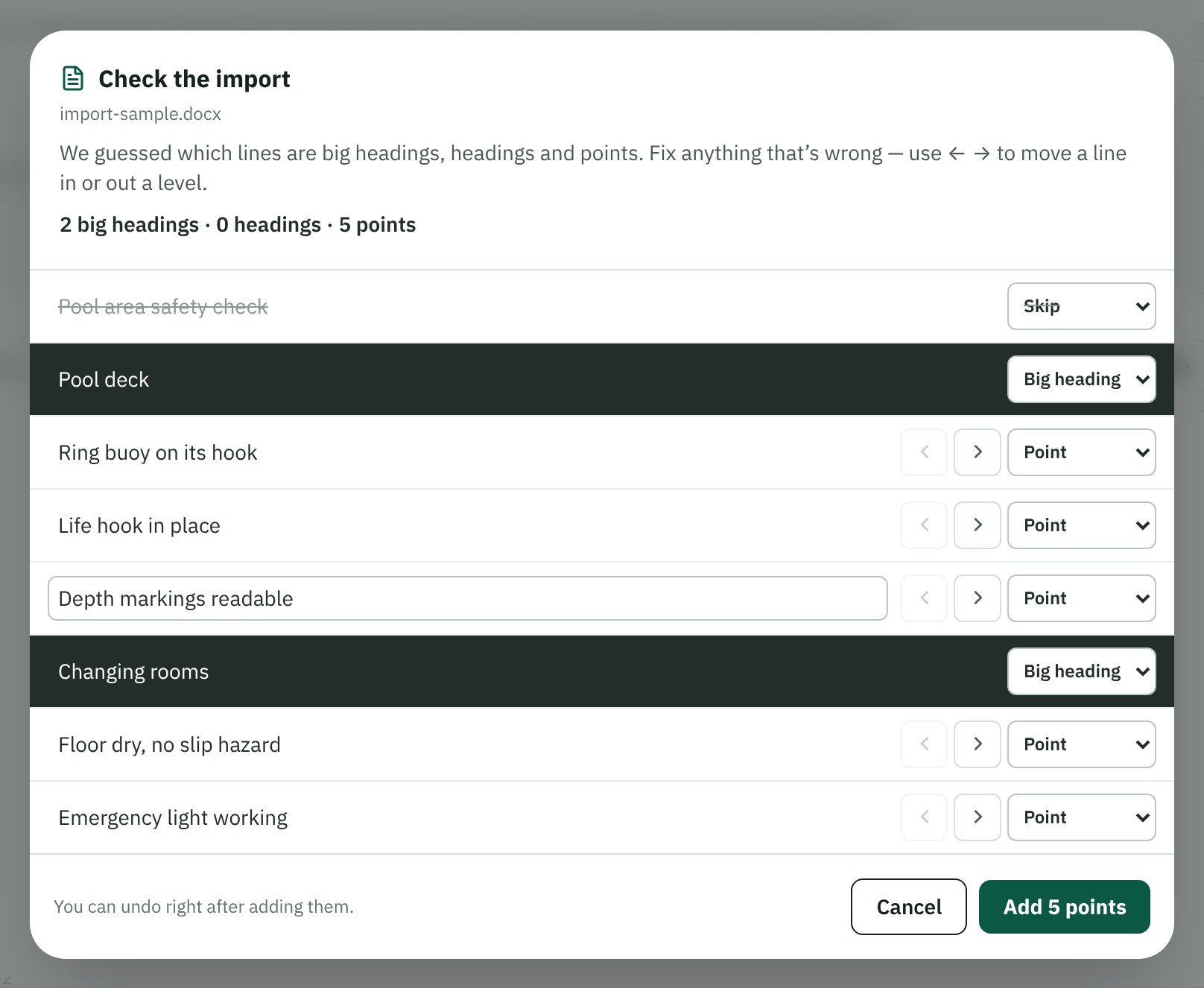
Upload your Excel, Word or PDF file. Rondix sorts the lines into headings and checkpoints. Check the result, fix anything it got wrong, and add them all at once.
- Excel, Word and PDF
- Headings and sub-headings kept
- Undo straight after if you change your mind
Pricing
One price per site, not per person. Every plan has every inspection feature.
| Good for | One person working alone | Restaurants, cafés, small offices | Hotels, factories, buildings | Many sites or branches |
|---|---|---|---|---|
| Accounts | 1 | 5 | 15 | As agreed |
| Admins | 1 | 1 | 2 per department | As agreed |
| Departments with separate data | 1 | 1 | Up to 3 | As agreed |
| Photo storage | 1 GB | 5 GB | 25 GB | As agreed |
| Training | 2 ready-made lessons | 2 ready-made lessons | Full: your own lessons, assign, results | Full + certificates |
| Reports kept | Up to 2 years | Up to 2 years | Up to 2 years | Up to 5 years |
| Extra account | Move up to Starter | ฿150 / month | ฿120 / month | Included in the quote |
| Extra photo storage | ฿99 per 10 GB / month | ฿99 per 10 GB / month | ฿99 per 10 GB / month | Included in the quote |
| Start a free trial | Start a free trial | Start a free trial | Contact us |
Pay yearly and get 2 months free.
In every plan
- Corrective actions with owners and due dates, also for outside contractors by e-mail
- Asset register: every checkpoint's inspection history, with expiry dates flagged 30 days ahead
- Morning e-mail of anything overdue
- Your logo and colours on reports
- Thai and English, in the app and the reports
- View-only accounts for managers
- Full change history and a downloadable backup
Questions
Does it work on any phone?
Yes. Android, iPhone, tablets and computers, in the browser or added to the home screen like an app.
Can we use our own checklists?
Yes. Type them in, import from Excel, Word or PDF, or start from a ready-made checklist and change it.
Who can see our results?
Only your own accounts. Each site's data is kept separate, and we never sell or share it.
What if we stop?
Your reports and settings are kept. Come back and everything is where you left it, or download a backup any time.
Does it work without internet?
During an inspection, yes. Open the checklist before you go somewhere with no signal: answers and photos are kept on the phone and sent when the signal is back. Opening the app for the first time needs a connection.
How long are reports kept?
Up to 2 years, within your plan's photo storage (Lite 1 GB, Starter 5 GB, Business 25 GB). You get a warning before it fills, and you can add 10 GB at a time. Nothing is deleted when it's full. You can also download any report as a PDF, or a full backup, at any time.